

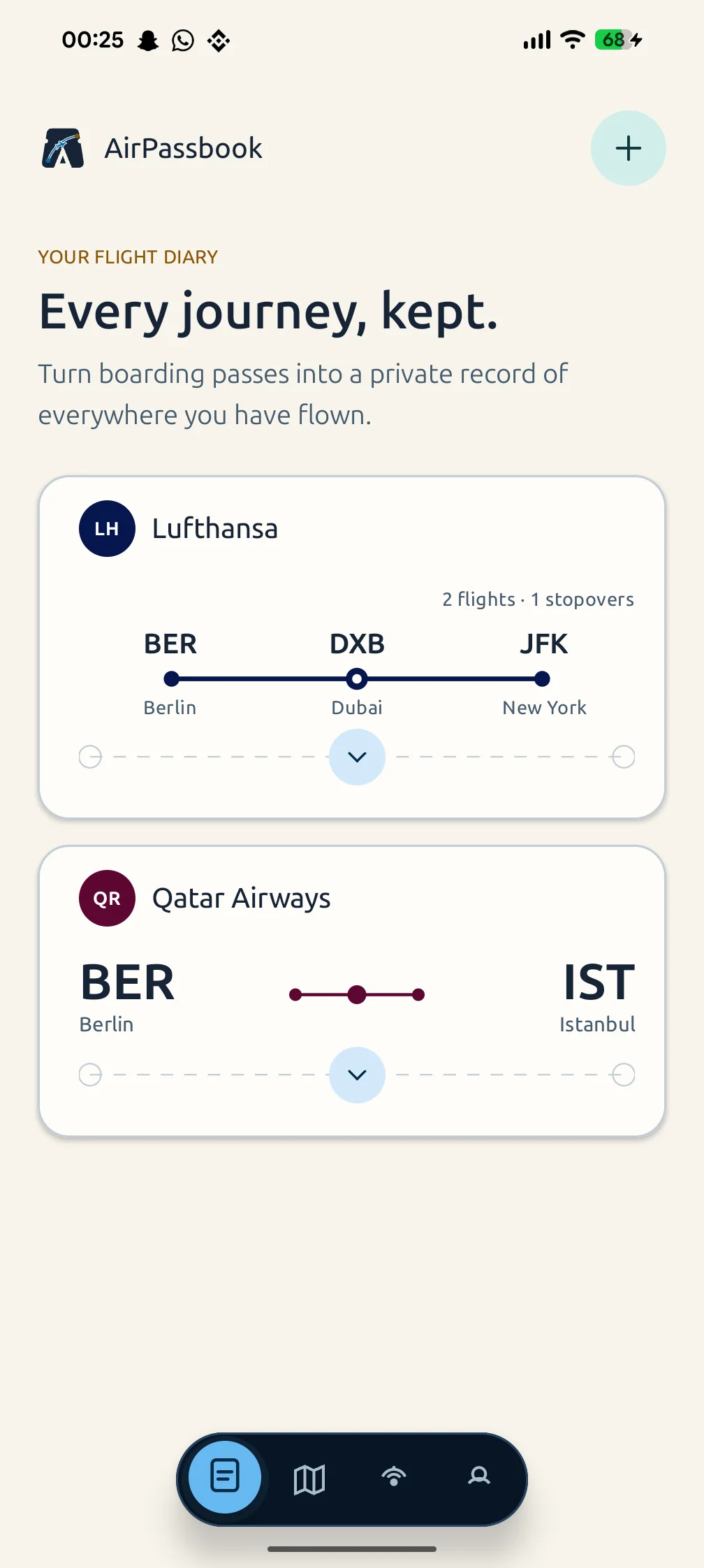
What can you save from a boarding pass?
A boarding pass brings the practical details of a flight together. AirPassbook helps you preserve the route, airports, airline, travel date, and seat information available on supported passes.
Saving those details gives you something easier to revisit than scattered paper passes or screenshots. Your archive also becomes the starting point for your personal flight map.
How to start your boarding pass archive
Use a boarding pass for your own journey and scan its supported barcode in the app. Review the travel details before relying on the saved record. Barcode support and scan quality can affect whether a particular pass can be read.
Keep the full barcode visible and readable when scanning. If a pass cannot be read, retain the original and check the pass you are using. A reservation confirmation or an itinerary is a different document from a boarding pass.
- Use your own boarding pass
- Keep the barcode clear and complete
- Review the flight details shown in the app
- Retain the original airline document for travel
Keep connections in the same story
A trip can include more than one flight. AirPassbook keeps connected flight legs in your journey history, with the airports and airline details attached to the relevant legs.
After you save journeys, open the travel atlas to see the routes in context. The map reflects the flights in your archive rather than a live view of aircraft in the sky.
Handle boarding passes as personal documents
Boarding passes can contain personal and journey information. Avoid publishing a readable barcode or sharing an unredacted pass on social media. Keep the original somewhere you can access when you travel.
AirPassbook is a private archive with no ads or behavioral analytics. Read the privacy policy for information about personal data and account controls. Saving a pass does not change your booking or replace airline check-in.
Read the privacy policy or manage your account and data deletion.