

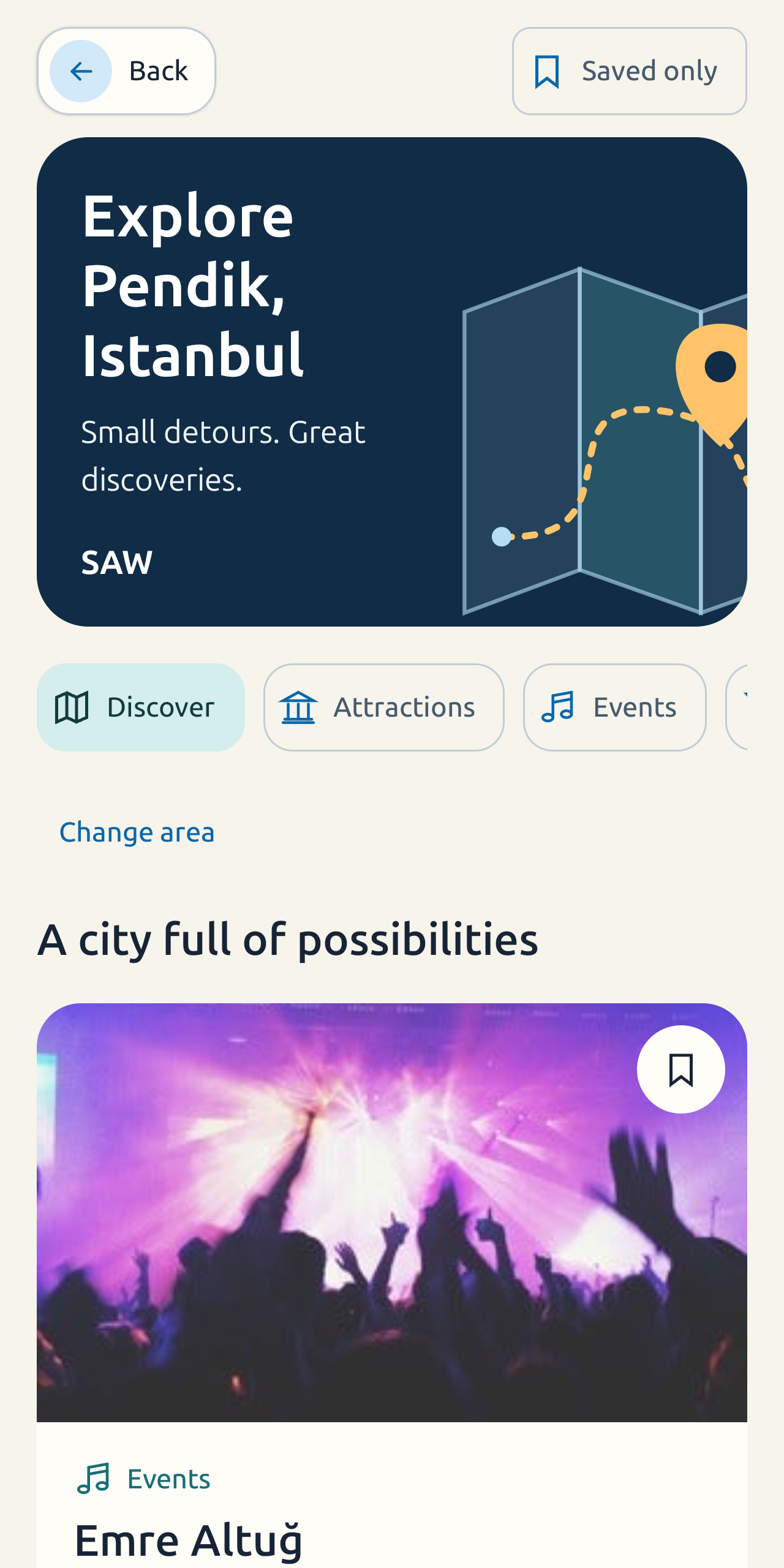
What can you find with AirPassbook Discover?
Discover brings local ideas into the same travel companion as your flight diary. Choose a category to browse attractions, events, bars, restaurants, or cafés around the area shown in the app.
Use Change area to look somewhere else. Discovery is for finding ideas around a place; it does not book tickets, reserve tables, or replace venue information. Listings and details depend on local provider coverage and can change.
- Attractions and points of interest
- Events in the selected area
- Bars, restaurants, and cafés
- Food filters for dietary preferences
Filter food by the way you eat
Food discovery includes filters such as Halal, Kosher, Vegetarian, Vegan, and other dietary preferences. Apply the preferences that matter to you to make a long list easier to browse.
A filter helps you narrow results; it is not a guarantee that a venue can meet a particular dietary or allergy requirement. Confirm ingredients and preparation with the venue before ordering.
How to explore a destination
Open Discover in AirPassbook, select a category, and browse the places returned for the selected area. Change the area or food filters to explore another part of the destination or focus on options that fit your preferences.
- Open Discover from the app
- Choose attractions, events, bars, or food
- Set or change the area you want to explore
- Use food preferences to narrow results
Discovery alongside your flight diary
AirPassbook brings destination ideas together with a private archive of your saved flights. Use the flight diary and map to revisit past journeys, and Discover when you want ideas for a place you are exploring.
Destination discovery is optional. You can use AirPassbook as a flight diary and travel map without browsing places or connecting with other travelers.
Read the privacy policy or manage your account and data deletion.